
The office lights go out. Laptops stay on battery, but the agency's cloud portal and business phones stop working. You have cellular backup, so why did the connection disappear?
A backup connection still needs powered equipment to reach your team. Before replacing the router or buying another data plan, review the devices between the connection and the employee.
Separate the internet connection from the equipment carrying it
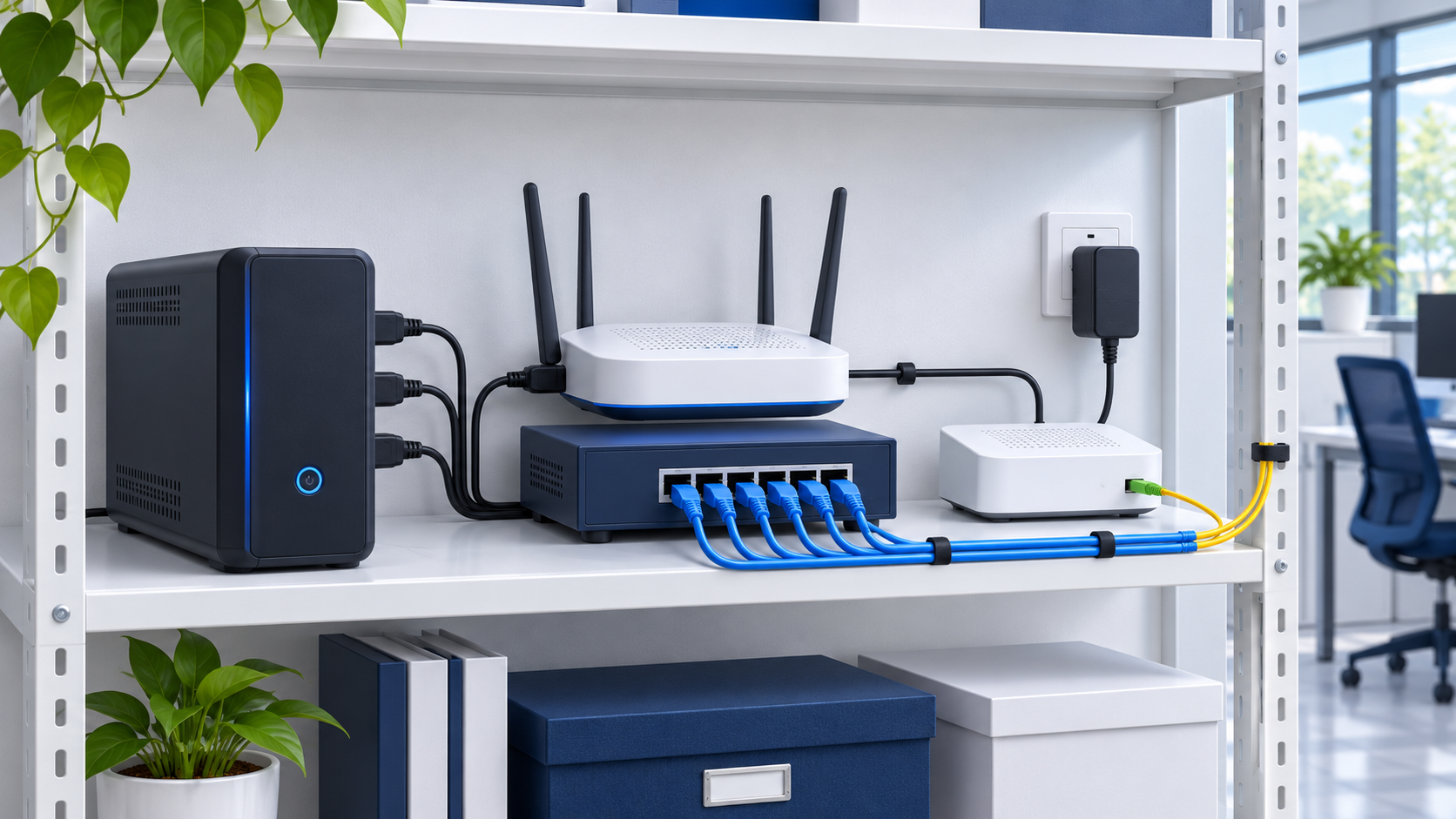
Start with a simple inventory: primary modem or fiber terminal, router, cellular modem, network switch and Wi-Fi access points. Record where each gets electricity.
Then ask how an employee reaches the internet. A battery-powered laptop can stay running while the access point it relies on goes dark. A router may remain on while a separate switch serving the office loses power.
This inventory is a planning exercise, not an instruction to open equipment or alter building wiring.
Check what the UPS actually protects
A UPS provides temporary backup electricity to supported connected equipment. It does not create a separate internet service.
Check the labels on its outlets. APC's UPS buying guide distinguishes battery backup from surge-only outlets. A device in a surge-only outlet may lose power even though it appears to be connected to the UPS.
Have the person responsible for the equipment compare the connections against the UPS manual. Do not move plugs during client work or add equipment without checking capacity.
The same guide explains that both watt and VA limits matter, and that runtime depends on the connected load. Do not promise “an hour of internet” from the UPS label alone. Establish a target, check the model's runtime information and verify the actual supported load.
Do not assume the fiber terminal's battery backs up internet
Some provider battery accessories are intended for voice service.
For example, Verizon states that its Fios PowerReserve supports voice calls during an outage and does not power Fios internet or other peripheral devices. That guidance applies to that accessory, not every provider or office installation.
Record your actual terminal, power supply and backup accessory. Ask the provider what remains available during a power failure. A battery box near the terminal is not enough evidence that your data connection is protected.
Include the backup connection in the power plan
If the cellular modem is separate, include its power supply. If it is integrated into the router, confirm that the router is part of the approved backup-power load.
Also check the local path used by essential staff. A desk phone may depend on a powered Ethernet switch. A wireless laptop may depend on an access point elsewhere in the office.
You do not necessarily need to keep every device running. Decide which people and workflows must continue, and which can pause. An insurance office might prioritize a small set of staff accessing approved carrier portals and returning client calls rather than powering every workstation.
Test the workflow, not just a green status light
Plan a maintenance window with an authorized technician and an agreed recovery procedure. Use the equipment manufacturer's supported test method. Avoid improvising by pulling cables or unplugging electrical equipment during operations.
Define the acceptance checks before testing:
Can the designated laptop connect through the intended backup path?
Can an authorized employee sign in to the required business application?
Can the team place and receive a test business call?
Does the equipment remain available for the planned test interval?
Does normal service return cleanly afterward?
Use dummy information where possible. Record which equipment was powered, which connection carried traffic, the start/end times and any failed steps.
A passing test demonstrates that setup under those conditions. It does not guarantee service through every future outage.
Plan for an outage beyond the office
Local battery power cannot guarantee that the internet provider, cellular network or cloud application remains available. Keep a practical fallback: approved mobile work arrangements, a client callback process and a clear person responsible for deciding when to pause work.
Document the UPS model, battery-maintenance responsibility, protected equipment and last test result. Update the plan after network changes rather than assuming the original test still represents the office.
Discuss a backup-connectivity project
FMA's internet and failover support can help review the network path and scope a backup-connectivity test. Equipment and third-party responsibilities should be defined before implementation.
Discuss a Project with your essential workflows, approximate users, current equipment and desired continuity window. FMA serves Maryland professional firms from Columbia, with remote support available nationwide. Scope and cost are agreed before paid work begins.
