
NetCloud Shows a Sudden Cellular Data Spike? Check When It Was Reported
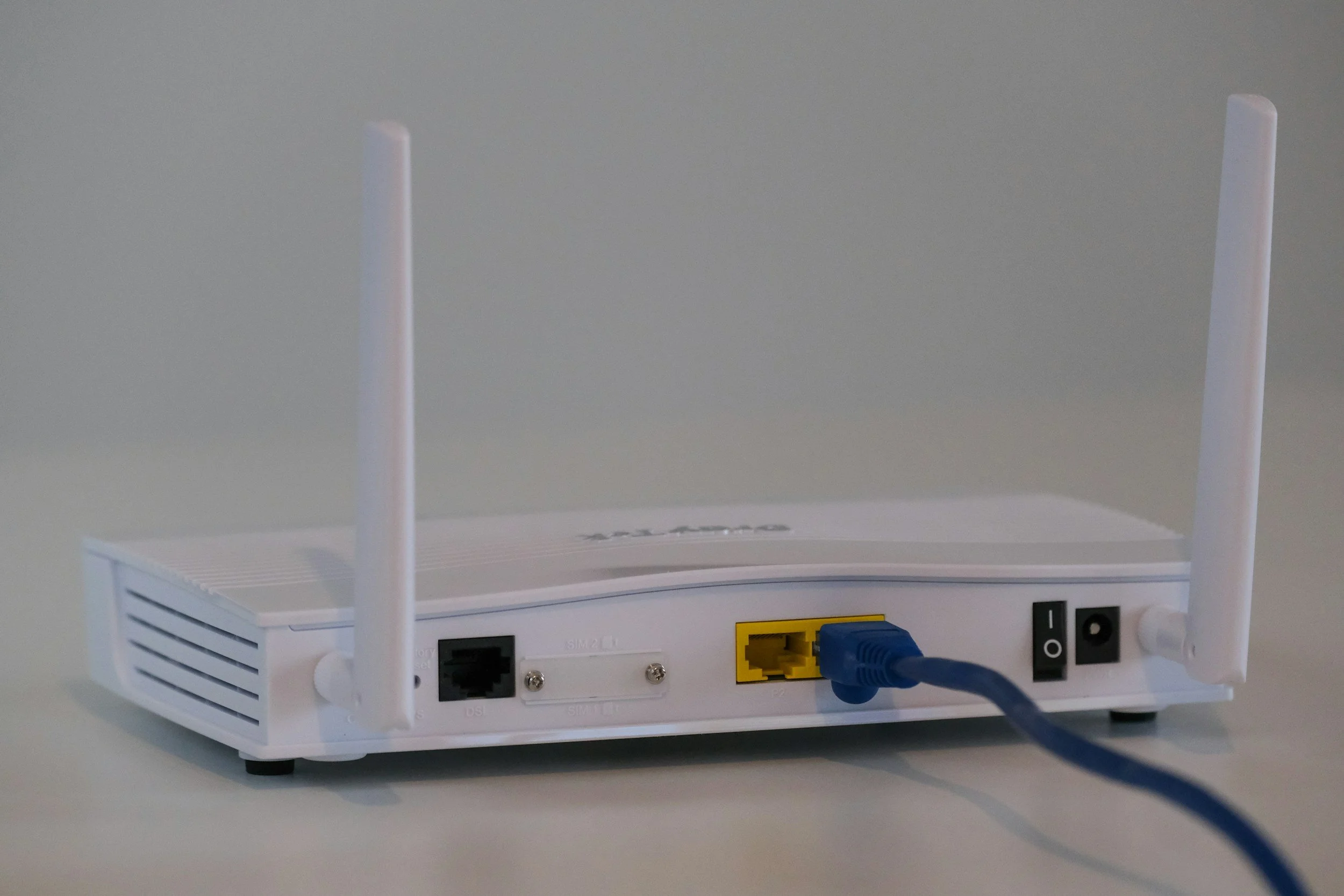
A usage chart jumps just after a router returns online in NetCloud Manager. Before blaming a single download, compare the reporting timeline with the period in which the data was actually used.
Record the reporting context
Capture the router, modem, selected date range, time zone, and when the device last reported to NetCloud. Keep subscription identifiers in the approved internal record.
Ericsson’s cellular usage documentation explains that usage collected while a router is offline in NetCloud Manager can appear as a spike when it returns online.
Offline management status should therefore be distinguished from the time data was consumed. It does not by itself establish that every connected user lacked service.
Compare equivalent periods
Ask the account owner to compare the carrier’s usage period with the dashboard period. Check whether the figures refer to the same SIM or modem and the same start and end dates.
Treat a mismatch as something to reconcile, not proof that one platform is billing incorrectly.
Investigate the business activity
Review whether an outage, backup connection, rollout, or other approved activity coincided with the usage. These are investigation questions, not assumptions about what caused the spike.
Keep a brief timeline of the event and any planned tests. Avoid resetting the router or clearing records merely to make the graph look normal.
Full Metal Architect helps small businesses review connectivity and failover planning. Request a project to assess usage visibility, reporting, and the responsibilities around a backup connection.
