
8x8 Calls Show the Wrong Business Name or Number? Separate the Symptoms
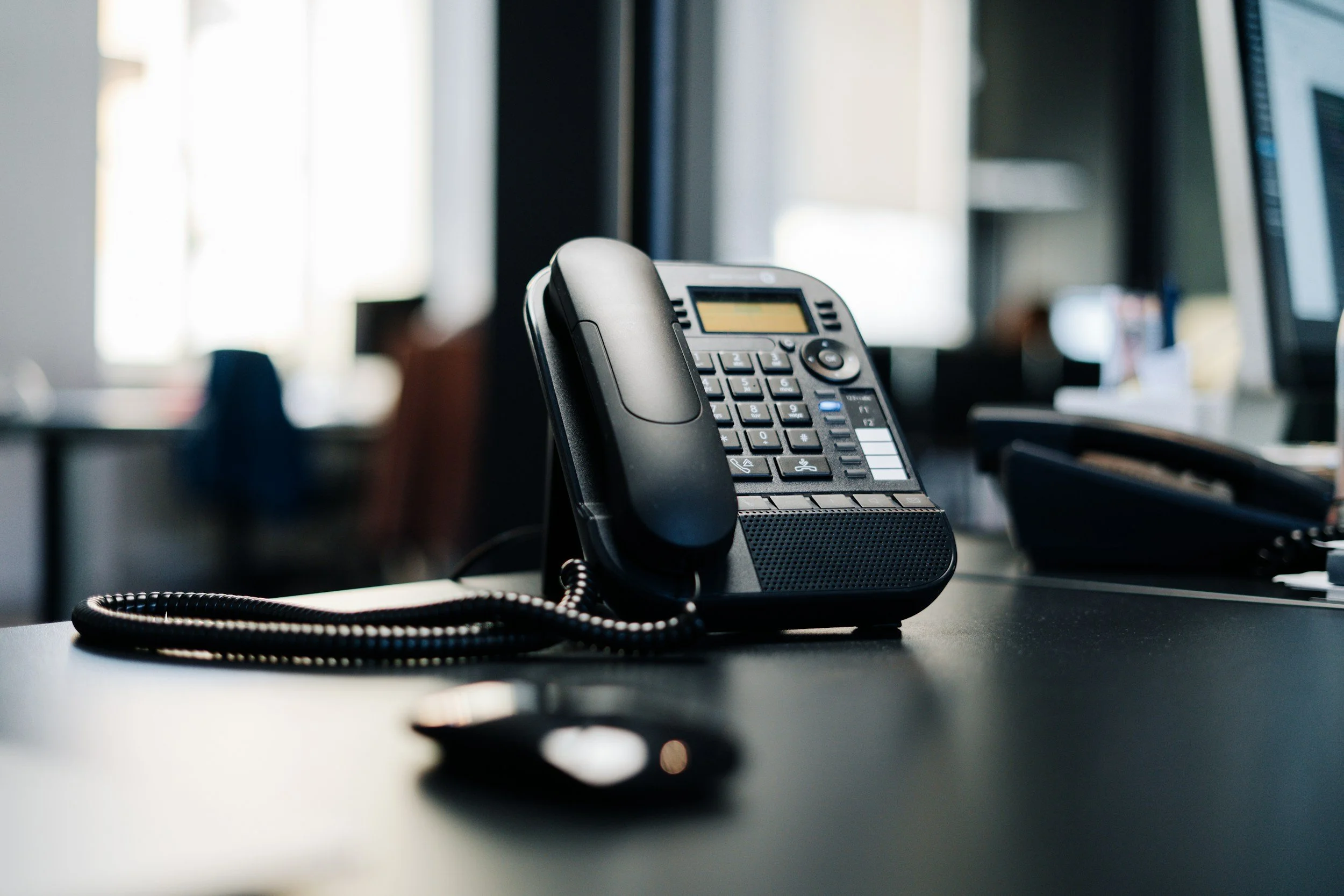
A customer says your call appeared under an old business name. Another person sees the correct number but no name. Those observations may involve different parts of caller ID.
Record which extension placed the call, the destination, time, displayed number, and displayed name. Use a redacted screenshot only when the recipient agrees to share it.
Check the outbound identity
Have an administrator confirm the intended outgoing number for the user or calling context. An employee calling directly and a user calling on behalf of a work group may need different configuration checks.
8x8’s caller ID guide explains external, shared, and work-group caller ID options. Match the configuration to the actual type of call.
Separate number from name
If the number is correct but the name is outdated, collect examples from more than one receiving network where practical. Check whether a receiving device has a locally saved contact affecting the observation.
8x8 explains that it updates third-party name information, while receiving carriers control their own database updates. Do not promise that an account change will immediately produce the same display on every destination.
Escalate with repeatable evidence
Retest after an authorized correction and record what changed. If the issue persists, give the provider the relevant examples through its approved support process. Avoid repeatedly changing the identity before the first change can be evaluated.
Full Metal Architect helps businesses review phone configuration and calling workflows. Request a project with the desired identity and a summary of where the incorrect result appears.
