
8x8 Ring Group Calls Not Ringing Your Phone? Compare the Two Call Paths
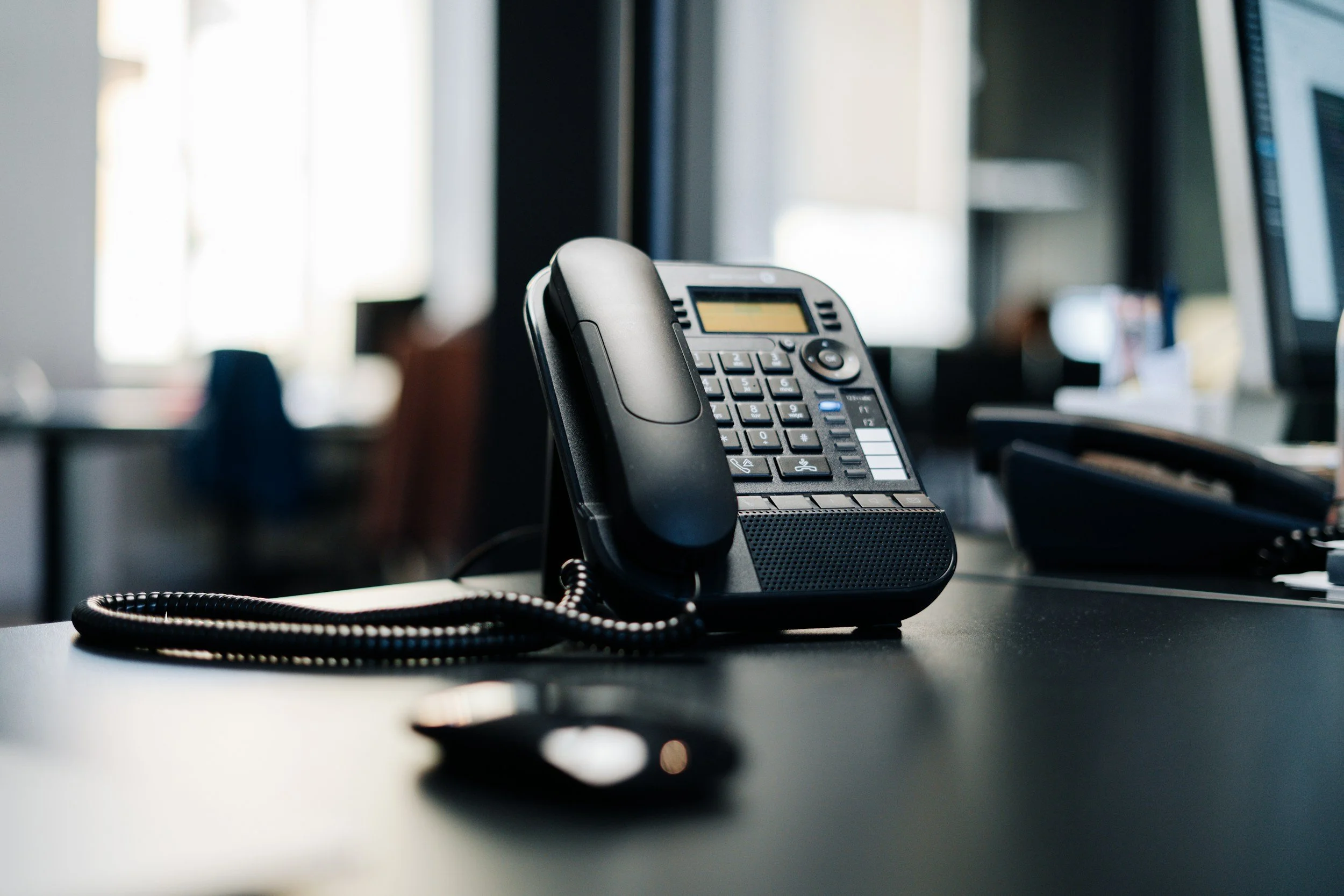
Your extension rings when a colleague calls directly, but customer calls to the shared number do not reach you. Treat those as two different paths rather than assuming the handset is broken.
Confirm the group receiving the call
Record the published number, any menu option selected, the time, and which phones rang. Have the administrator confirm that the call reached the intended ring group and that your extension is a member.
This guide concerns ring groups in 8x8 Admin Console. Call queues have their own behavior and should not be configured from ring-group assumptions.
Review availability and forwarding
8x8’s ring-group documentation identifies forwarding, Do Not Disturb, offline devices, and invalid group settings as possible reasons a member’s phone does not ring.
Check the actual device and user state during a test call. Avoid changing several forwarding rules at once, because that makes it harder to identify which setting affected the result.
Check the intended ring pattern
Review whether members should ring together or in an ordered sequence. Agree on the desired customer experience before changing group behavior.
Test both a direct call and a call through the business number. Record who was available, which phones alerted, whether someone answered, and where an unanswered call ended.
Preserve the working route
Keep the previous configuration available and coordinate changes with the team. A change intended for one employee may affect everyone receiving shared calls.
Full Metal Architect helps small businesses review VoIP routing and shared calling. Request a project for a call-flow review, or use FMA Connect✓ to organize the observed issue.
